CubeShooter
A minimalist neon arena: strafe, shoot, and survive endless waves of hostile cubes to push your score sky-high.
Gameplay overview
Retro FPS vibes
CubeShooter began as a lightweight FPS prototype inspired by demoscene classics. Your cube avatar moves across a glowing grid while enemy cubes swarm in from all directions. Each wave throws more projectiles, forcing you to weave through bullet curtains and manage limited health.
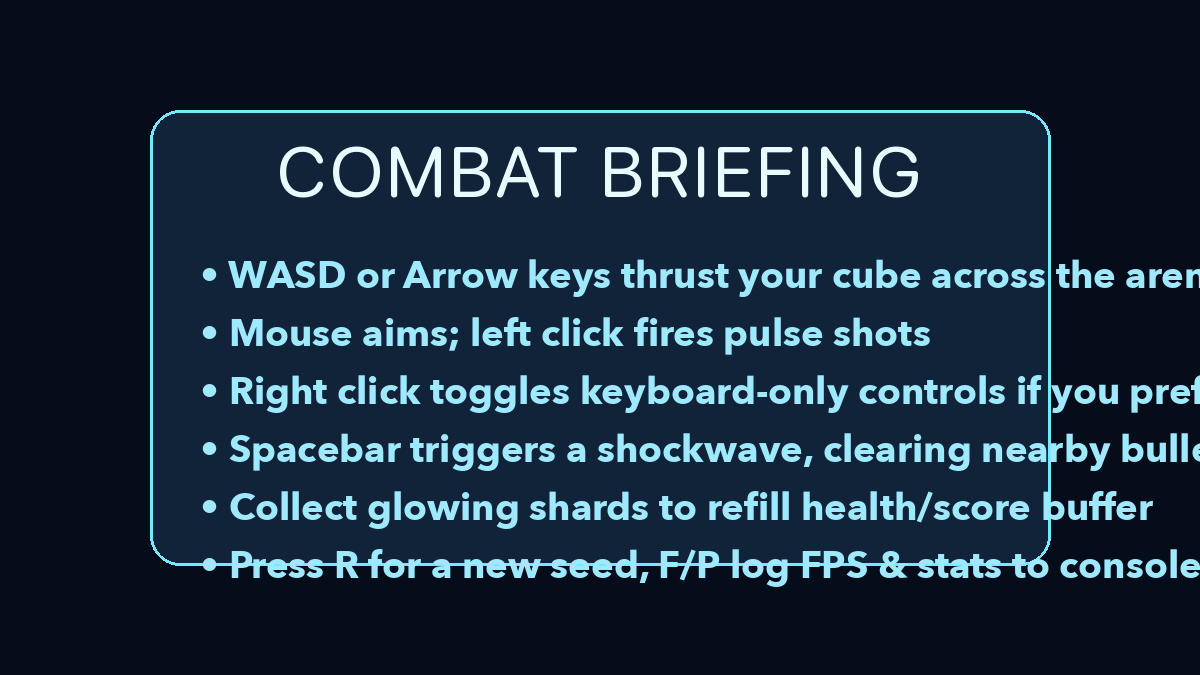
Controls
Mouse + keyboard or arrows only
- W A S D / arrow keys move the cube in four directions.
- Mouse look + left click fires pulse shots. Right click toggles keyboard-only aiming if you prefer pure arrow controls.
- Space unleashes a shockwave that clears nearby bullets (short cooldown).
- R rerolls the procedural enemy seed; F and P output FPS and stats to the console.
Scoring & enemies
Survive to climb
Your health mirrors your score delta—take hits and the cube flashes red as the counter drops negative. Chain quick kills to rebuild the score into positive territory and restore your bright yellow glow. Enemy formations escalate, including homing drones and scattershot turrets.
Strategy tips
Slide and burst
- Circle strafe around groups to stack them together, then trigger the shockwave for multi-kill bonuses.
- Use the keyboard-only toggle when you need consistent diagonal strafes without lifting the mouse.
- Reroll seeds until you find patterns you enjoy mastering—each layout feels different.
Our take
Why CubeShooter is a neat browser FPS experiment
CubeShooter focuses on the essentials of a score-chasing arena shooter: tight movement, readable projectiles, and waves that ramp difficulty without overcomplicating controls. The minimalist cube visuals keep the action clear even when the screen fills with bullets.
Because it is open source, it also doubles as a reference project if you are interested in how WebGL shooters handle input, camera, and wave generation in the browser.
Who will enjoy it?
If you like arcade survival shooters and do not mind abstract visuals, CubeShooter is an easy one to fire up for quick runs. Developers curious about web-based FPS mechanics will get extra value from browsing the code while they play.
Frequently asked questions
Need a quick answer?
Q: Does CubeShooter support controllers?
A: Keyboard and mouse are recommended; twin-stick pads may work with browser remapping but aren’t officially supported.
Q: Can I pause?
A: Press Esc to release pointer lock and the action halts while the cursor is free.
Q: Is there an end?
A: It’s an endless survival score chase—push for higher multipliers and compete with friends.