Minecraft Classic Theta
A performance-tuned voxel sandbox with smarter NPCs, refined physics, and flexible debug tooling.
Gameplay overview
Training-world sandbox
Minecraft Classic Theta builds on Mojang's browser edition to create a focused testing ground for voxel systems. The v2.2 update introduces invisible containment walls that keep you and your NPC helpers inside the intended play space while preserving immersion. Use the expansion to prototype mechanics, profile performance, or simply experiment with block interactions in a frictionless environment.
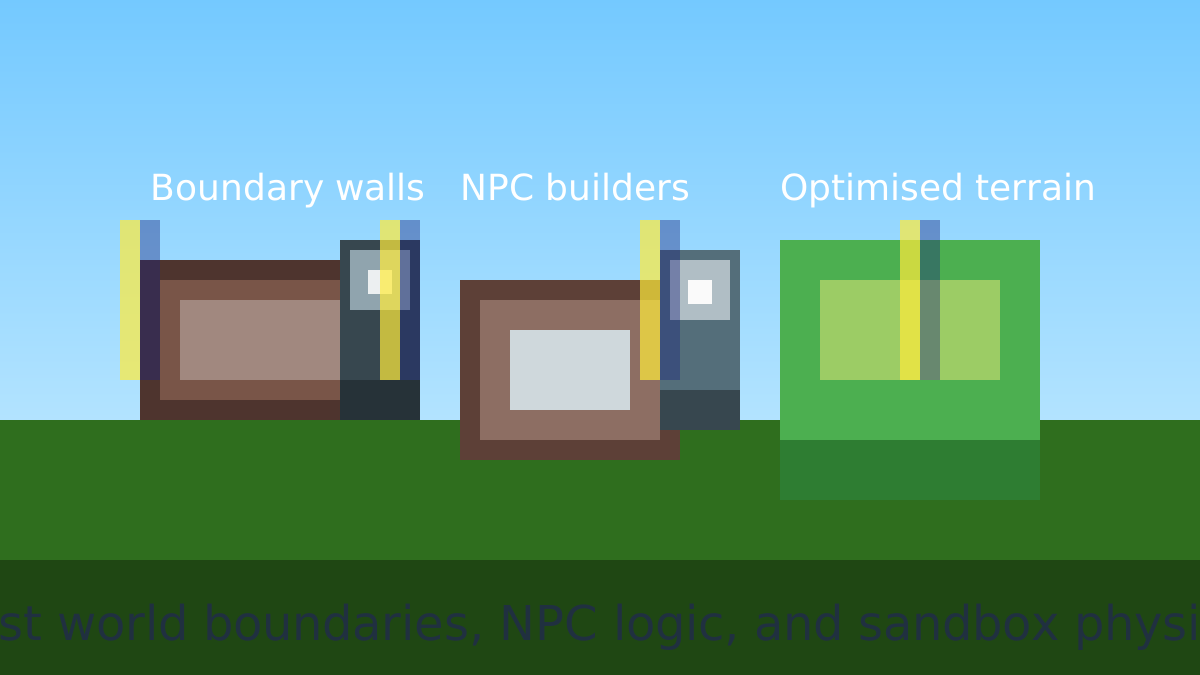
What's new in v2.2
Map boundaries system
The containment system deploys invisible barriers along map edges, keeping players and NPCs inside while still letting the landscape breathe. It's ideal for scenario design or classroom sessions where you don't want explorers falling into the void.
NPC block interaction fixes
Companion NPCs can now remove and place blocks reliably, complete with visual feedback. Toggle their behaviour with debug keys to watch training simulations unfold without manually rebuilding the world.
Physics refactor
Movement and collision use a centralized physics engine that shares logic between players and NPCs. The result is predictable motion you can trust when scripting interactions or testing custom mechanics.
Performance upgrades
Under-the-hood memory management and render pipeline tuning dramatically raise framerate, especially on low-power devices. The project is perfect for profiling WebGL voxel workloads.
Controls & debug tools
Core inputs
- WASD: move around the world.
- Space: jump.
- E: interact with blocks.
Testing shortcuts
G: toggle NPC block interaction debugging.V: exercise direct block manipulation routines.B: spawn test blocks for quick experiments.
Pair the shortcuts with the containment system to run repeatable experiments without rebuilding your scene.
Tips for creators
Make the most of the sandbox
- Use boundary walls to create guided lessons or safe demo zones for new players.
- Trigger NPC block routines with
Gwhile recording to capture reliable training footage. - Profile framerate before and after large builds to see how the optimized renderer handles stress tests.
Frequently asked questions
Need a quick answer?
Q: Can I tweak the world settings?
A: Yes. In the downloadable build, edit TRAINING_WORLD_CONFIG.js to change spawn, environment, or NPC parameters.
Q: Is controller support available?
A: The project targets keyboard and mouse for now—ideal for testing lessons or quick prototypes.
Q: How do I host it myself?
A: Clone the repository, run npm install, and launch with npm start to serve it locally.
Our take
Why Minecraft Classic Theta is a useful sandbox
Minecraft Classic Theta is less about survival or progression and more about giving builders, educators, and modders a predictable environment to work in. The invisible boundary system, unified physics, and improved NPC interactions make it far easier to run repeatable tests—whether you are stress-testing performance, prototyping mechanics, or running a lesson for new players—without worrying about someone wandering off the edge of the map or breaking the scene in unexpected ways.
Because the project is open-source and focused on under-the-hood improvements, it’s also a great reference for developers working on voxel worlds. You can see how the team approached collision, world limits, and AI pathing while still keeping the browser build responsive. That makes Theta a nice midpoint between the simplicity of the original Classic release and the heavy overhead of full modern Minecraft.
Who will enjoy it?
If you’re a teacher, technical artist, or hobbyist developer looking for a controlled Minecraft-like environment, Classic Theta is well worth a look. Players purely seeking survival progression or the full sandbox feature set of modern Minecraft may find it too stripped down, but as a focused training and experimentation world it excels.