Minecraft Classic Theta
A performance-tuned voxel sandbox with smarter NPCs, refined physics, and flexible debug tooling.
Gameplay overview
Training-world sandbox
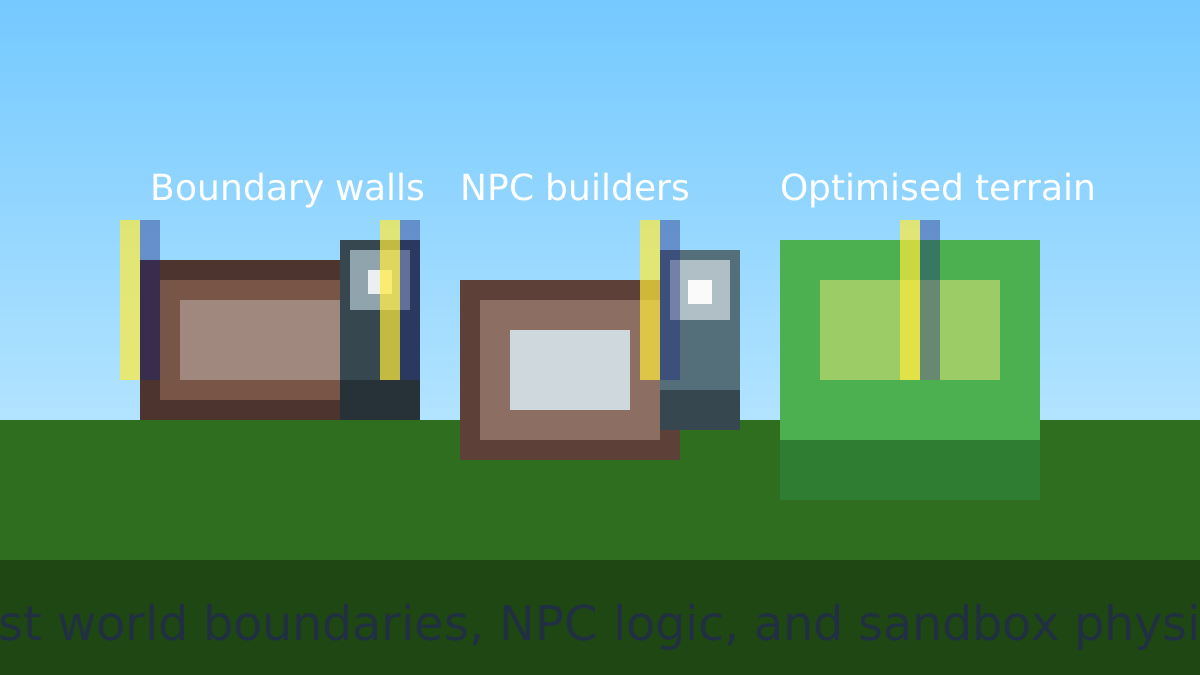
Minecraft Classic Theta builds on Mojang's browser edition to create a focused testing ground for voxel systems. The v2.2 update introduces invisible containment walls that keep you and your NPC helpers inside the intended play space while preserving immersion. Use the expansion to prototype mechanics, profile performance, or simply experiment with block interactions in a frictionless environment.
Your objective
What you are trying to achieve
Minecraft Classic Theta is a sandbox rather than a scored game, so there is no finish line and no losing screen. The goal is to use the training world to experiment with blocks, NPC builders, and the refactored physics engine inside the v2.2 containment walls.
A session ends whenever you stop building or testing. Progress is whatever you construct or learn, so you set your own targets, whether that is stress-testing framerate, scripting NPC routines, or prototyping a lesson layout.
Controls
Core inputs
| Action | Input / gesture |
|---|---|
| WASD | move around the world. |
| Space | jump. |
| E | interact with blocks. |
| G | toggle NPC block interaction debugging. |
| V | exercise direct block manipulation routines. |
| B | spawn test blocks for quick experiments. |
Pair the shortcuts with the containment system to run repeatable experiments without rebuilding your scene.
Beginner guide
Your first few minutes
New to the Theta build? These steps get you moving and poking at the sandbox features in a few minutes.
- Click into the canvas, then use W A S D to walk around and Space to jump.
- Press E to interact with blocks and B to spawn test blocks wherever you want to build.
- Walk toward the map edge to feel the invisible containment wall that keeps you inside the training area.
- Press G to toggle NPC block-interaction debugging and watch the companion builders place and remove blocks.
- Use V to exercise the direct block-manipulation routines, then rebuild the scene with B.
- Reload the page when you want a clean world to profile a fresh build.
Advanced tips
Make the most of the sandbox
- Use boundary walls to create guided lessons or safe demo zones for new players.
- Trigger NPC block routines with G while recording to capture reliable training footage.
- Profile framerate before and after large builds to see how the optimized renderer handles stress tests.
What's new in v2.2
Map boundaries system
The containment system deploys invisible barriers along map edges, keeping players and NPCs inside while still letting the landscape breathe. It's ideal for scenario design or classroom sessions where you don't want explorers falling into the void.
NPC block interaction fixes
Companion NPCs can now remove and place blocks reliably, complete with visual feedback. Toggle their behaviour with debug keys to watch training simulations unfold without manually rebuilding the world.
Physics refactor
Movement and collision use a centralized physics engine that shares logic between players and NPCs. The result is predictable motion you can trust when scripting interactions or testing custom mechanics.
Performance upgrades
Under-the-hood memory management and render pipeline tuning dramatically raise framerate, especially on low-power devices. The project is perfect for profiling WebGL voxel workloads.
Our take
Why Minecraft Classic Theta is a useful sandbox
Minecraft Classic Theta is less about survival or progression and more about giving builders, educators, and modders a predictable environment to work in. The invisible boundary system, unified physics, and improved NPC interactions make it far easier to run repeatable tests—whether you are stress-testing performance, prototyping mechanics, or running a lesson for new players—without worrying about someone wandering off the edge of the map or breaking the scene in unexpected ways.
Because the project is open-source and focused on under-the-hood improvements, it’s also a great reference for developers working on voxel worlds. You can see how the team approached collision, world limits, and AI pathing while still keeping the browser build responsive. That makes Theta a nice midpoint between the simplicity of the original Classic release and the heavy overhead of full modern Minecraft.
Who will enjoy it?
- If you’re a teacher, technical artist, or hobbyist developer looking for a controlled Minecraft-like environment, Classic Theta is well worth a look. Players purely seeking survival progression or the full sandbox feature set of modern Minecraft may find it too stripped down, but as a focused training and experimentation world it excels.
Frequently asked questions
Need a quick answer?
- What is Minecraft Classic Theta?
- It is a browser voxel sandbox built on Mojang's browser edition and focused on the v2.2 update, adding containment walls, smarter NPC block builders, and a refactored physics engine.
- Is Minecraft Classic Theta free to play?
- Yes. It runs in your browser at no cost, and the project is an open-source community effort you can review on GitHub.
- What are the controls for Minecraft Classic Theta?
- WASD moves, Space jumps, E interacts with blocks, G toggles NPC debugging, V runs block-manipulation routines, and B spawns test blocks.
- Can you play Minecraft Classic Theta on mobile?
- The build is designed around keyboard and mouse shortcuts, so a desktop or laptop browser gives the best experience.
- How do I host Minecraft Classic Theta myself?
- Clone the repository, run npm install, and launch with npm start to serve the game locally.
- Can I change the Minecraft Classic Theta world settings?
- Yes. In the downloadable build you can edit TRAINING_WORLD_CONFIG.js to change the spawn point, environment, or NPC parameters.
- Can I tweak the world settings?
- Yes. In the downloadable build, edit TRAINING_WORLD_CONFIG.js to change spawn, environment, or NPC parameters.
- Is controller support available?
- The project targets keyboard and mouse for now—ideal for testing lessons or quick prototypes.
- How do I host it myself?
- Clone the repository, run npm install , and launch with npm start to serve it locally.