Overflowing Palette
A Phaser-powered tribute to the Wuthering Waves puzzle with every region, Endless Zen, and a shareable level editor.
Gameplay overview
Colourful reimagining
Overflowing Palette faithfully recreates the pigment-flood puzzle scattered across the world of Wuthering Waves. Each stage starts with a patchwork of hues. Choose a colour from your palette and the current region floods outward, blending into matching neighbours. Mastering the branching layouts takes practice, especially when late-game levels introduce portals, timers, and tool tiles that reshape the board.
Your objective
What you are trying to achieve
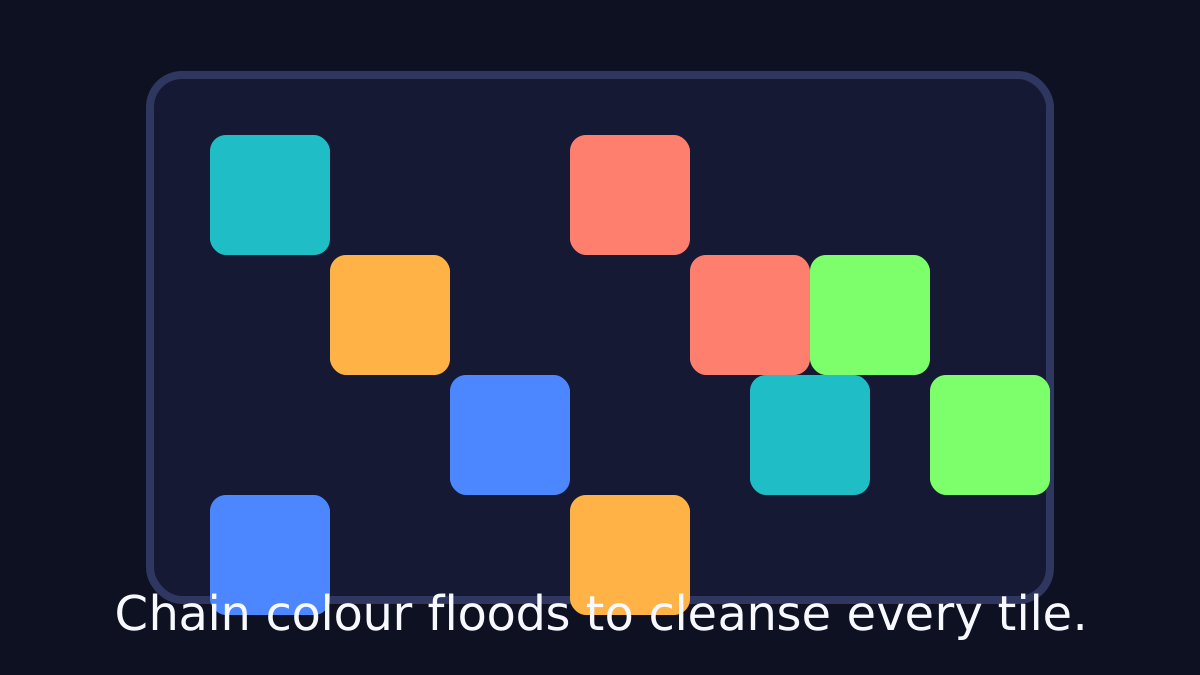
The goal in Overflowing Palette is to make the whole grid a single color by flooding the current region with pigments from your palette. Each stage has a move or time limit, and later boards add portals, tool tiles, and timers that change the route.
In Endless Zen you choose your own board size, color count, and difficulty, and the built-in editor lets you design and share your own layouts.
Beginner guide
Your first few minutes
Overflowing Palette is a color-flood logic puzzle. These steps help you plan floods instead of clicking at random.
- Identify the region connected to your starting cell and the colors touching it.
- Pick a color that borders the region so it floods outward and merges matching neighbors.
- Count how many color islands each move will merge before you commit.
- Play the early regional packs first, since they introduce portals, tools, and timers gradually.
- Save tool tiles for late in a run and combine a portal jump with a color swap to finish early.
- When you want a custom challenge, open the editor, paint a grid, and export a share string.
Advanced tips
Optimise every flood
- Preview the next move by counting how many disjoint colour islands will merge when you trigger a pigment.
- Reserve tool tiles for late in a run; combining a portal jump with a well-timed colour swap can end a puzzle early.
- In Endless Zen, start on a smaller board to explore how many moves each colour combination tends to cost.
Level structure
Regional playlists
The main campaign mirrors the in-game regions from Wuthering Waves, grouping puzzles by mechanic and difficulty. Completed stages glow with a yellow backdrop and persist thanks to browser local storage, so you can chip away at the collection across multiple sessions. Advanced tiers mash mechanics together, rewarding foresight and deliberate colour choices.
Custom packs and tools
Beyond the original layouts, Overflowing Palette ships with curated packs that lean into new ideas. The Tools set introduces one-off actions, Portals warp your flood path across the board, and Timer boards force quick decisions by limiting available moves.
Modes & editor
Endless Zen
Looking for a relaxed session? Endless Zen generates fresh grids on demand. Pick a board size, adjust the colour count, and set a difficulty to shuffle how chaotic each puzzle begins. You can skip uninspiring results or share completed boards with friends as a personal challenge target.
Built-in level editor
The editor makes it painless to draw your own layouts. Decide on grid dimensions (up to 25×25 for practical play), paint swatches with box selection, and export the result as a shareable string or JSON snippet. Importing community creations is as simple as pasting a code into the Level Selection screen.
Our take
Why Overflowing Palette is more than a tribute
Overflowing Palette could have stopped at being a faithful recreation of a popular in-game puzzle, but the extra modes and tooling turn it into a fully fledged puzzle toy in its own right. Regional packs gently introduce mechanics, the curated tool and portal sets add clever twists, and Endless Zen gives you an infinite stream of bite-sized challenges when you just want to zone out. The board art and animations stay clean enough that you can scan the grid quickly and plan several floods ahead.
The built-in editor is another highlight. It lowers the barrier to creating your own levels to almost zero: draw a pattern, export a string, send it to a friend. That helps the game straddle both casual and enthusiast audiences—casual players can clear the base campaign, while puzzle designers can dig into custom constraints, unusual colour distributions, and tight move limits.
Who will enjoy it?
- This is an easy recommendation for fans of colour-flood and territory-capturing puzzles, as well as players who enjoyed the Wuthering Waves original and want more of that brainteaser in a standalone package. If you like methodical, low-pressure problem solving with just enough room for optimisation, Overflowing Palette is a strong pick.
Frequently asked questions
Need a quick answer?
- How do you play Overflowing Palette?
- Choose a pigment from your palette and the current region floods outward, absorbing matching neighbors. Clear each grid before you run out of moves or time.
- What is the goal in Overflowing Palette?
- Unify the entire grid into one color in as few moves as possible, then work through the regional packs and advanced tool, portal, and timer boards.
- Can I keep my progress between sessions in Overflowing Palette?
- Yes. Cleared stages and your options are saved to your browser's local storage, so you can chip away at the collection over multiple sessions.
- How do I share a level I made in Overflowing Palette?
- Export a string from the built-in editor, copy it, and send it to a friend so they can paste it into the import field.
- Does Overflowing Palette work on mobile?
- Controls are mouse-focused today, but the puzzle and editor both respond well to touchscreens and no gamepad is supported.
- What is Endless Zen in Overflowing Palette?
- Endless Zen generates fresh grids on demand: pick a board size, adjust the color count, and set a difficulty to control how chaotic each puzzle starts.
- Is Overflowing Palette free to play?
- Yes. It is an open-source Phaser project by XirTelan that runs free in your browser.
- Can I keep my progress between sessions?
- Yes. Stage clears and options are saved to your browser's local storage.
- How do I share a level I made?
- Export a STRING from the editor, copy it, then send it to a friend so they can paste it into the import field.