Tuxocide
An Antarctic FPS where penguin commandos battle rogue alien tech across icy bases and glacier caverns.
Gameplay overview
Penguin versus invading AI
Tuxocide drops you into a browser-based first-person shooter with chunky retro vibes. Alien machines have overrun Antarctic outposts and it’s up to a heavily armed penguin to clear their nests. Explore research labs, icy corridors, and surface trenches while juggling ammo pickups, keycards, and enemy ambushes.
Your objective
Hold the facility
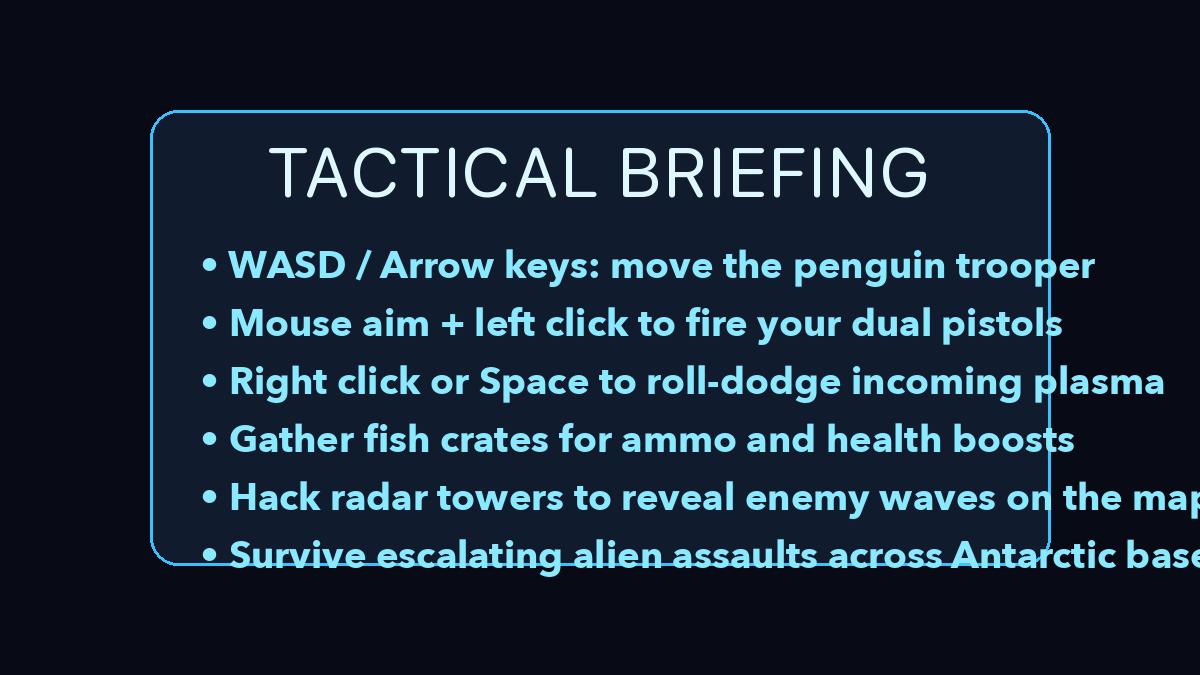
Clear each section of the Antarctic facility by eliminating every hostile drone, turret, and boss construct. Fish crates scattered through the corridors refill ammo and health, while hacking radar towers marks incoming reinforcements on your minimap.
Expect increasingly aggressive waves as you push deeper underground; the run ends when the penguin commando clears the level or goes down.
Controls
Classic FPS setup
- Use W A S D or arrow keys to move your penguin commando.
- Aim with the mouse and left click to fire twin pistols.
- Right click or Space to perform a dodge roll that avoids heavy plasma shots.
- Press R to reload and E to interact with switches, props, or rescued penguins.
Tuxocide supports pointer lock for smooth mouse look—click the canvas to capture your cursor and hit Esc to release it when you need a breather.
Beginner guide
Your first few minutes
Tuxocide is an old-school first-person shooter, so learn the movement tools before you push into crowded rooms.
- Click the canvas to capture the cursor, then practise strafing with W A S D while aiming with the mouse.
- Use right click or Space to dodge roll through heavy plasma shots instead of standing still.
- Clear side rooms first to collect ammo and health before triggering the main wave in a hall.
- Press R to reload between fights and E to interact with switches, props, or rescued penguins.
- Jump onto crates and glacial ridges to gain height and lure drones into choke points.
- Roll whenever an enemy locks on, since the dodge breaks its target lock and avoids splash damage.
Advanced tips
Stay frosty
- Circle strafe around tough enemies—rolling breaks target lock and avoids splash damage.
- Use verticality. Jump on crates and glacial ridges to lure foes into choke points.
- Clear side rooms early to grab extra ammo before triggering large waves in main halls.
Our take
Why Tuxocide is a fun retro-FPS experiment
Tuxocide is unapologetically old-school: maze-like levels, chunky enemies, and a focus on movement and map knowledge over scripted set pieces. Once you get used to the penguin perspective, the combination of strafing, rolling, and ammo juggling feels surprisingly snappy for a browser FPS.
Because it is open source, it also doubles as a technical showcase for WebGL shooters—if you have ever wondered how a Quake-style experience can work in a tab, this is a solid reference.
Who will enjoy it?
- Players who grew up on Doom and Quake, or anyone curious about indie FPS experiments with a sense of humour, will get a kick out of Tuxocide. Developers interested in extending the project with new enemies or levels have a good foundation to build on.
Frequently asked questions
Need a quick answer?
- How do you play Tuxocide?
- Play as a heavily armed penguin clearing alien machines from Antarctic outposts, exploring labs and trenches while juggling ammo pickups, keycards, and enemy ambushes.
- What are the controls for Tuxocide?
- Move with W A S D or the arrow keys, aim with the mouse and left click to fire, right click or Space to dodge roll, R to reload, and E to interact.
- What is the goal in Tuxocide?
- Secure each facility section by eliminating all hostile drones, turrets, and boss constructs, using fish crates and hacked radar towers to stay supplied and informed.
- Is Tuxocide free to play?
- Yes. Tuxocide is an open-source browser FPS by mrbid, free to play on GitHub Pages with no download.
- Does Tuxocide save your progress?
- Levels are designed for arcade-style runs rather than saved campaigns, so refreshing restarts the challenge and lets you chase a cleaner clear time.
- How do I pause Tuxocide?
- Press Esc to release pointer lock; the action stops while your cursor is free so you can take a break.
- Does Tuxocide support controllers?
- Mouse and keyboard are the primary inputs, though browser gamepads may map basic movement and shooting.
- Can I save progress?
- Levels are designed for arcade-style runs. Refresh to restart and chase a cleaner clear time.
- How do I pause?
- Press Esc to release pointer lock and the action stops while your cursor is free.